Receive Privately
To receive a private transfer, give the sender your privacy address. The payment lands in the pool as a note only your keys can open; your vault adds it when you import the sender's payment slip or scan the pool.
Your Privacy Address
- Open Shielded Pool and unlock the vault.
- Find Your Privacy Address in the Private Vault card. It starts with
orbpriv3:. - Press Copy privacy address, or Show QR code to open Receive Privately with a QR code the sender can scan.
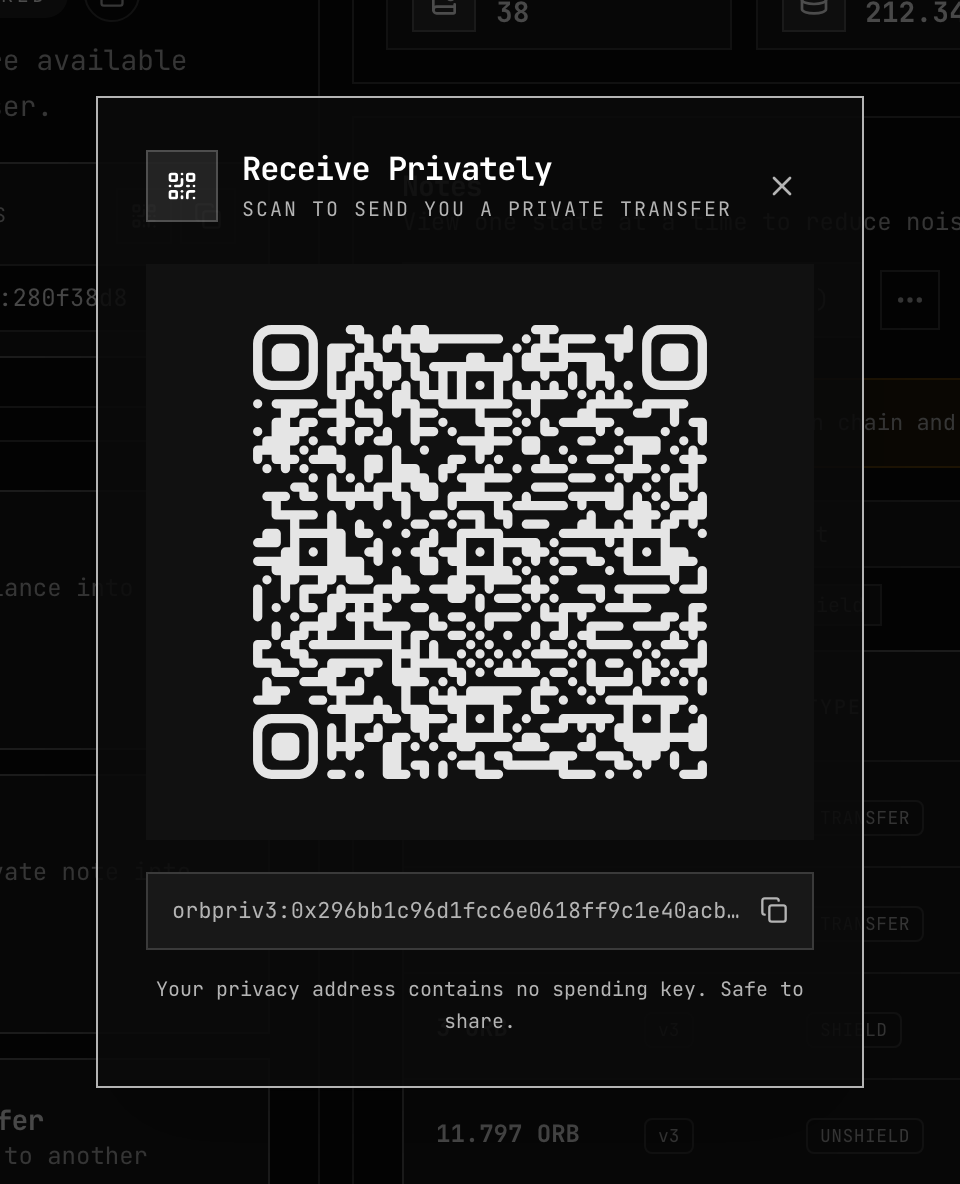
Your privacy address is not your public 0x…, SS58 or Solana account. Public transfers and
unshields go to a public account; private transfers go to a privacy
address.
The address belongs to your account on the current network. The same account has a different privacy address on another network.
What the address reveals
| Someone holding your address can | They cannot |
|---|---|
| Send you private transfers | Spend your notes — the address holds no spending key |
| See your balance, your notes or your history | |
| Find your payments on chain — each payment lands under a new one-time owner key, unrelated to the address and to every other payment |
The address is safe to share and to reuse. Publishing it in one place does not link the payments you receive. How one-time owner keys work: Note Discovery.
The sender chooses whether you learn who paid — see Showing the recipient who paid.
When a payment appears
Your vault does not watch the pool for new payments. A payment appears in Notes and Activity after one of these:
| Way | When to use it |
|---|---|
| Import Slip | The sender gave you a payment slip. The note is added at once, without scanning. |
| Sync | Offered in the Unshield and Private Transfer forms; scans what landed since your last scan. |
| Recover Notes | No slip, or you want everything. Scans the whole pool. See Recover Notes. |
Import a payment slip
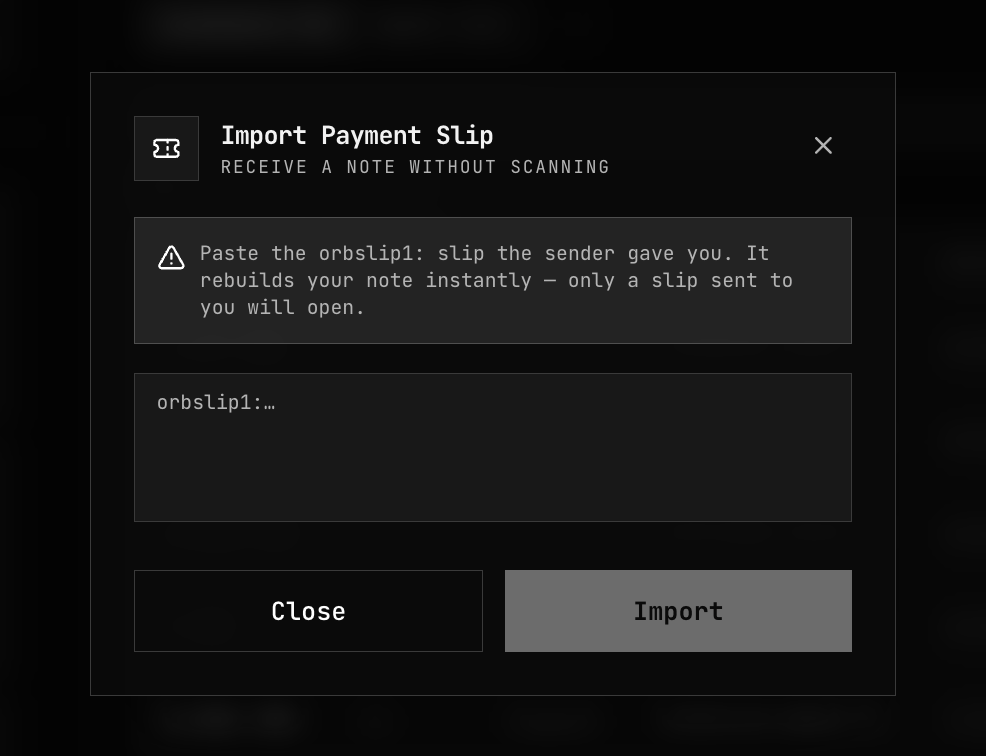
- Open Shielded Pool → More actions (…) → Import Slip.
- Paste the
orbslip1:…string the sender gave you. - Press Import. The app opens the slip with your keys, checks the note on chain, and shows "Note received and added to your vault."
| Message | What to do |
|---|---|
| "This slip is not valid, or was not sent to you." | Check you pasted the whole slip, and that it was made for your privacy address on this network. |
| "This note is not on chain, or could not be confirmed. If the transfer is recent, try again in a moment." | Wait for the transfer to confirm, then import again. |
More on slips: Payment Slips.
Related
- Payment Slips — what a slip contains and how the sender shares it
- Private Transfer — the sender's side
- Keys & Identity — what the privacy address is made of
- Privacy Architecture — what the pool hides